
| Device | Hard drive |
|---|---|
| Manufacturer | Seagate |
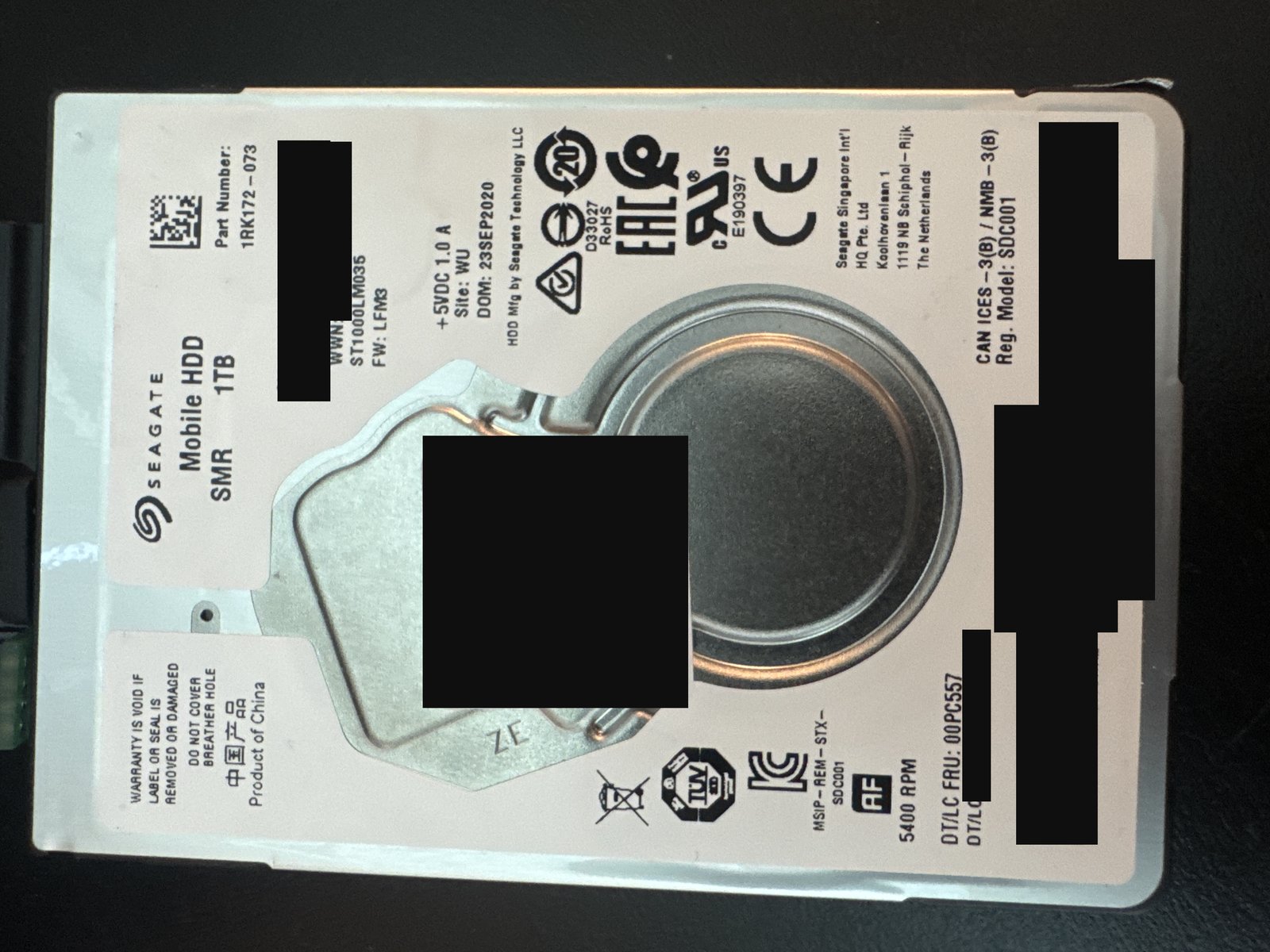
| Model | ST1000LM035 (Mobile HDD, SMR) |
| Capacity | 1 TB |
| Interface | SATA |
| Outcome | Full recovery |
Serial numbers and any customer-identifying details are deliberately omitted.
What came in
A 1 TB Seagate Mobile HDD (ST1000LM035) — a 2.5-inch laptop drive — that had stopped giving access to its data. It came in with failing read/write heads, and it is an SMR (shingled magnetic recording) drive, which adds its own layer of difficulty to any recovery.
What we found
Two things were working against us. Mechanically, the heads were failing, so the surfaces read weakly and unreliably. On the firmware side, the drive had a reallocation and pending-sector problem — its defect management (the lists it keeps of bad and to-be-reallocated sectors) was in a state that stalled normal reads and had to be addressed before the drive would image. On top of both, SMR drives write in overlapping tracks and lean heavily on firmware-managed media caching, so they are inherently less forgiving to read back once something goes wrong.
What we did
We worked the failing heads carefully in the lab so the drive could be read, and addressed the firmware-level reallocation/pending-sector condition so its defect management stopped blocking access and the drive would progress. With it stabilised, we captured a full image of the drive, working patiently through the weak areas. From that image we then rebuilt the file system and, once the file system was reconstructed, extracted the client's data.
Outcome
Full recovery.
SMR (shingled) drives are a known headache in recovery: because their tracks overlap like roof shingles and they rely on firmware-managed caching to handle writes, weak heads and a disturbed defect list compound each other quickly. The key was firmware — getting the reallocation/pending-sector handling into a state where the drive would read at all — before a full image was even possible. It is a good example of why a recovery timeline can't be promised up front, and it echoes the firmware-first approach in our Toshiba laptop-drive case. See our laptop and hard drive data recovery services.
Dealing with something similar? See our hard drive data recovery service, browse more cases in the case log, or read about what makes recovery hard.
Have a hard drive in similar shape? Start with a free evaluation — we'll tell you honestly what's possible with your device.
Request free evaluation →Free evaluation · No data, no fee · Talk directly with a technician.