
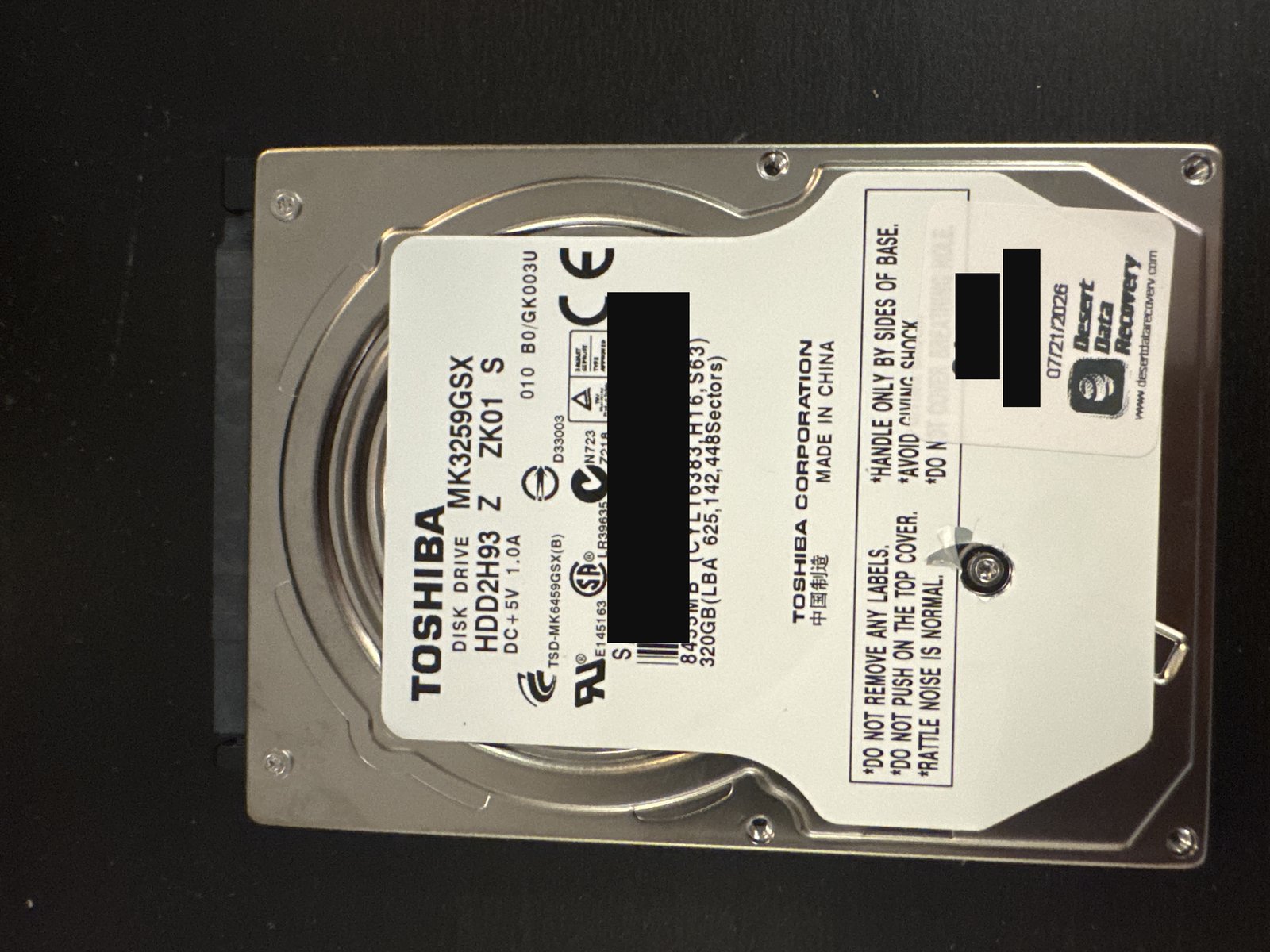
| Device | Hard drive |
|---|---|
| Manufacturer | Toshiba |
| Model | MK3259GSX |
| Capacity | 320 GB |
| Interface | SATA |
| Outcome | Full recovery |
Serial numbers and any customer-identifying details are deliberately omitted.
What came in
A 320 GB Toshiba MK3259GSX — a 2.5-inch laptop hard drive — that had failed and was no longer accessible. It came in with failed read/write heads, and once we looked deeper there was serious firmware damage underneath.
What we found
Two heavy problems layered together. Mechanically, the read/write heads had failed, so the platters could not be read at all until they were replaced. Beyond that, the drive had extensive firmware corruption — including a damaged translator, the internal map the drive uses to convert logical addresses into physical locations on the platters. With a broken translator, even a mechanically working drive reads its own data in the wrong order, so it had to be rebuilt before any image would make sense.
What we did
First the mechanics: we replaced the failed head stack in our cleanroom so the drive could read its surfaces again. Then the firmware — this was the extensive part. We worked through the firmware corruption and rebuilt the drive's translator, then imaged the drive using that rebuilt translator so the data came off in the correct logical order rather than as scrambled fragments. With a good image in hand, we rebuilt the NTFS file system from it to reassemble the directory structure, and extracted the client's critical folders and files.
Outcome
Full recovery.
The translator is the quiet hero of a lot of firmware recoveries. It is the drive's own map from the logical addresses your computer asks for to the physical spots on the platters — and when it is corrupted, a perfectly readable drive still hands back nonsense, because it is reading in the wrong order. Rebuilding it is painstaking, model-specific work, and it has to happen before imaging is worth anything. It is exactly the kind of step that makes recovery timelines impossible to promise up front. See our laptop and hard drive data recovery services.
Dealing with something similar? See our hard drive data recovery service, browse more cases in the case log, or read about what makes recovery hard.
Have a hard drive in similar shape? Start with a free evaluation — we'll tell you honestly what's possible with your device.
Request free evaluation →Free evaluation · No data, no fee · Talk directly with a technician.