
| Device | Hard drive |
|---|---|
| Manufacturer | Western Digital |
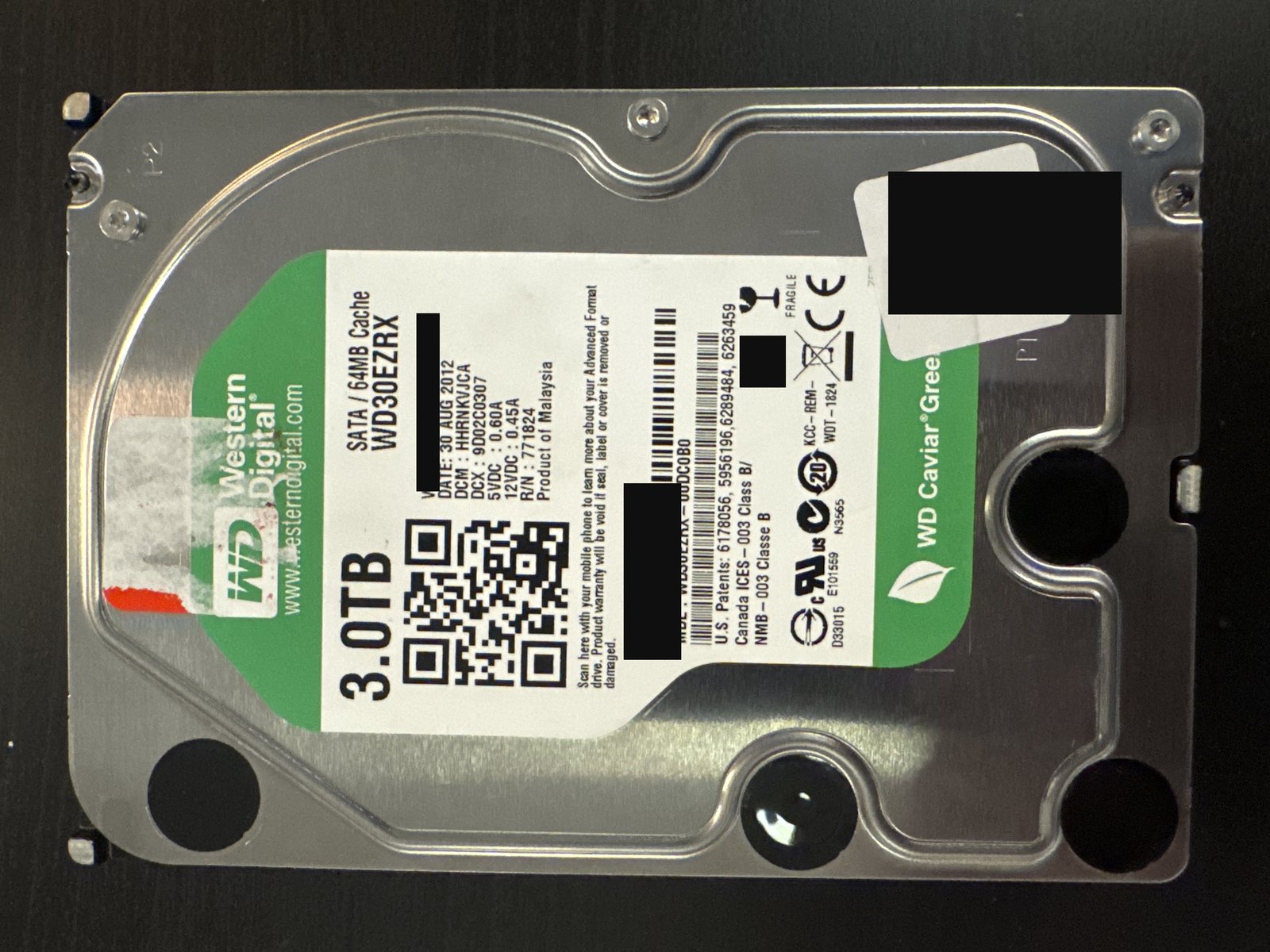
| Model | WD30EZRX (Caviar Green) |
| Capacity | 3 TB |
| Interface | SATA (pulled from a WD USB enclosure) |
| Outcome | Full recovery |
Serial numbers and any customer-identifying details are deliberately omitted.
What came in
A 3 TB Western Digital Caviar Green (WD30EZRX) that had been running inside a Western Digital external USB enclosure and had stopped giving access to its files. Two complications came with it: the drive had failing sectors, and — because of the WD enclosure — the data on it was hardware-encrypted.
What we found
The drive itself had bad/failing sectors that made it read slowly and unreliably. On top of that, the WD external enclosure encrypts data in hardware at its USB bridge, so even a perfect image of the platters would come off as encrypted ciphertext — the file system simply won't mount until that encryption is undone. Both problems had to be solved, and in the right order: image first, decrypt second.
What we did
We connected the bare drive to our recovery hardware and imaged it in full, working patiently through all of the bad sectors so the image was as complete as possible — this matters, because a single missing block in the wrong place can break the decryption downstream. With a full image in hand, we then decrypted the file system to reverse the WD enclosure's hardware encryption, and rebuilt the NTFS file system so the client's folders and files were accessible again.
Outcome
Full recovery.
People are often surprised their "plain" external WD drive was encrypted at all — many WD external enclosures encrypt in hardware at the bridge board, whether or not the user ever set a password (related to WD SmartWare and the wider world of self-encrypting drives). The recovery lesson here is sequencing: you must finish imaging the bad sectors before decrypting, because decryption needs a coherent image to work against.
Dealing with something similar? See our hard drive data recovery service, browse more cases in the case log, or read about what makes recovery hard.
Have a hard drive in similar shape? Start with a free evaluation — we'll tell you honestly what's possible with your device.
Request free evaluation →Free evaluation · No data, no fee · Talk directly with a technician.