
| Device | RAID |
|---|---|
| Manufacturer | Synology |
| Model | RAID 5 (4 × Seagate 3 TB) |
| Capacity | 9 TB usable |
| Interface | SATA |
| Outcome | Full recovery |
Serial numbers and any customer-identifying details are deliberately omitted.
What came in
A Synology NAS running a four-drive RAID 5 had gone offline and the volume was no longer accessible. Two of the four member drives had failed — one more than a RAID 5 can survive.
What we found
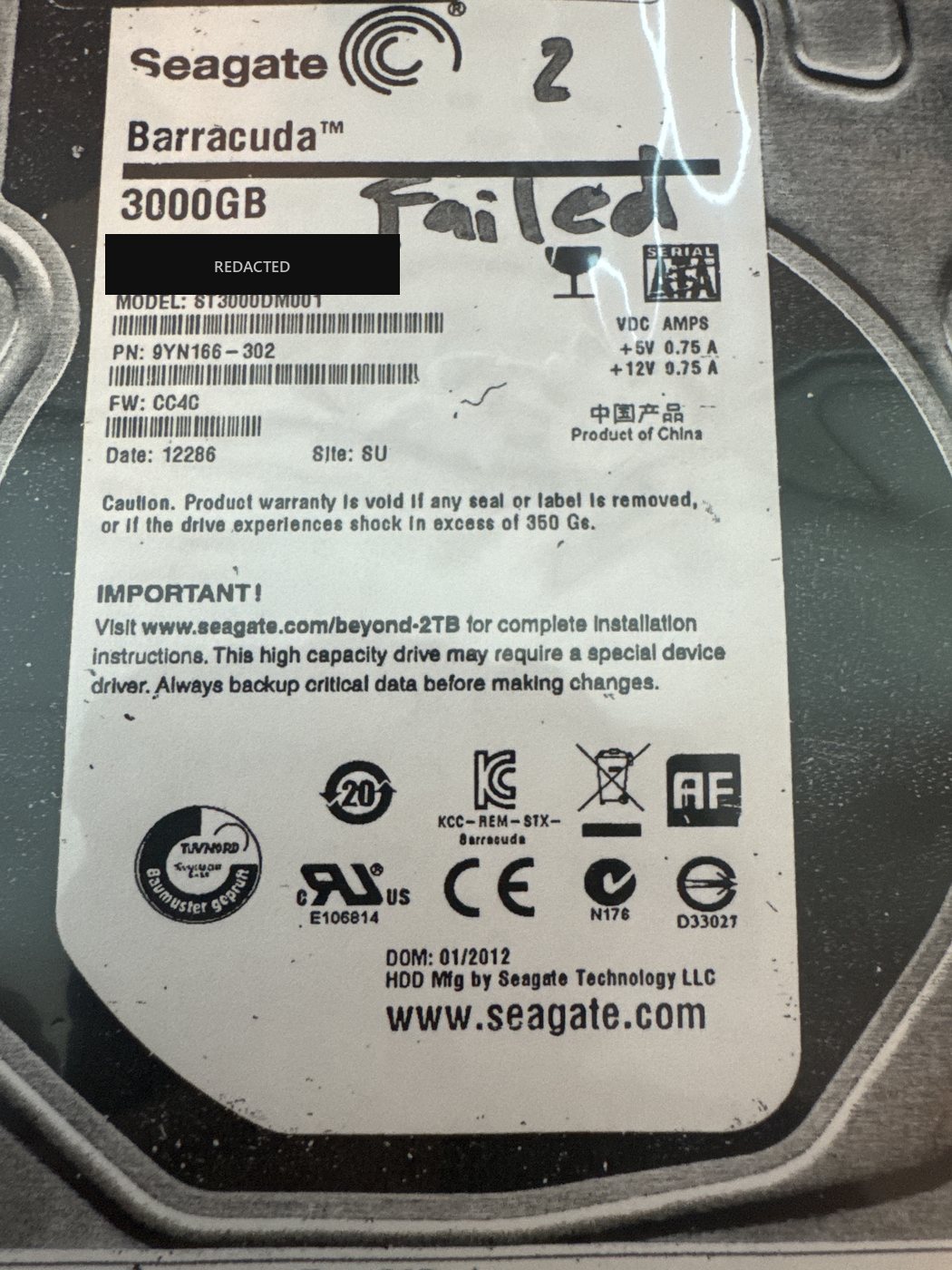
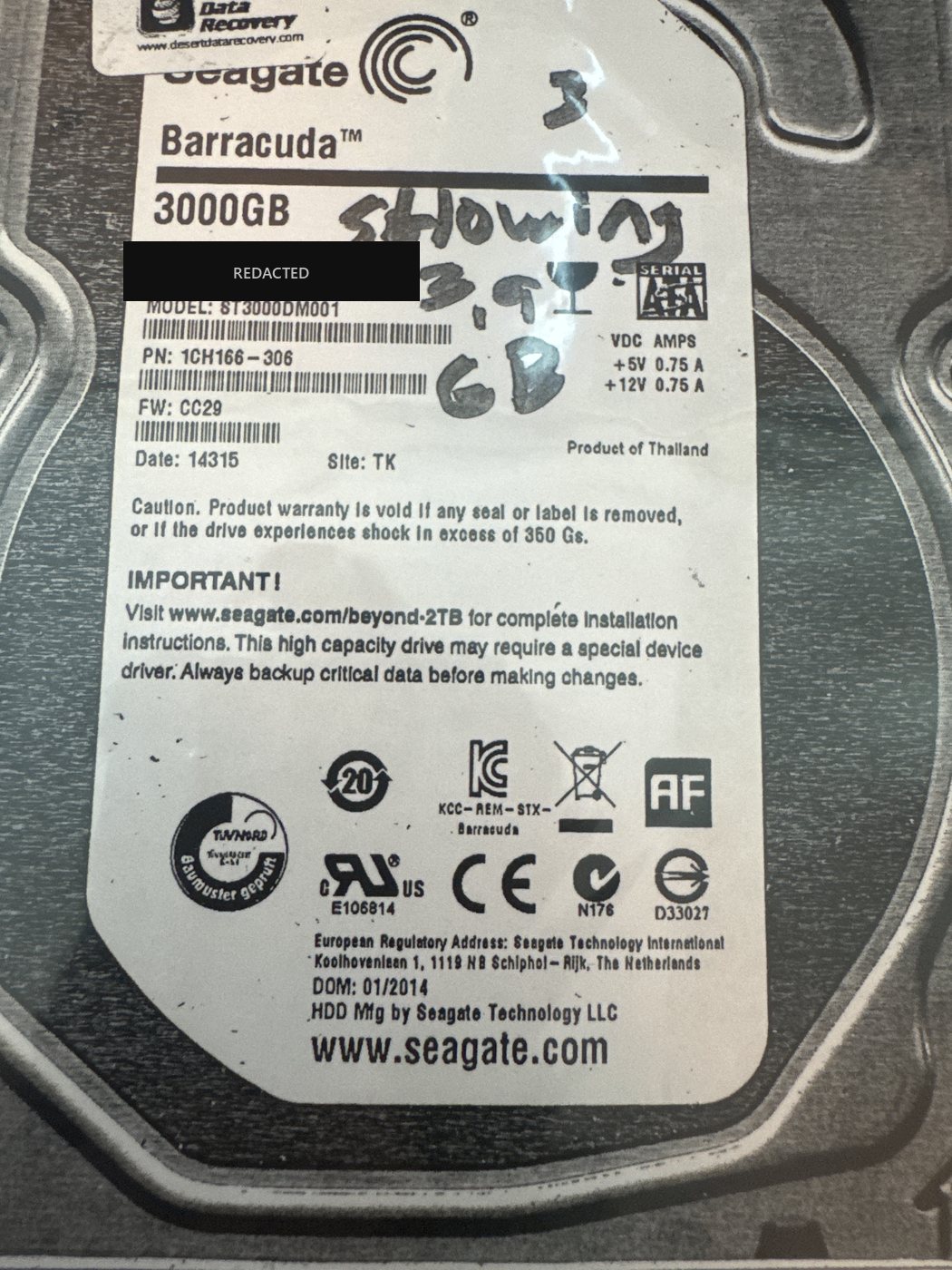
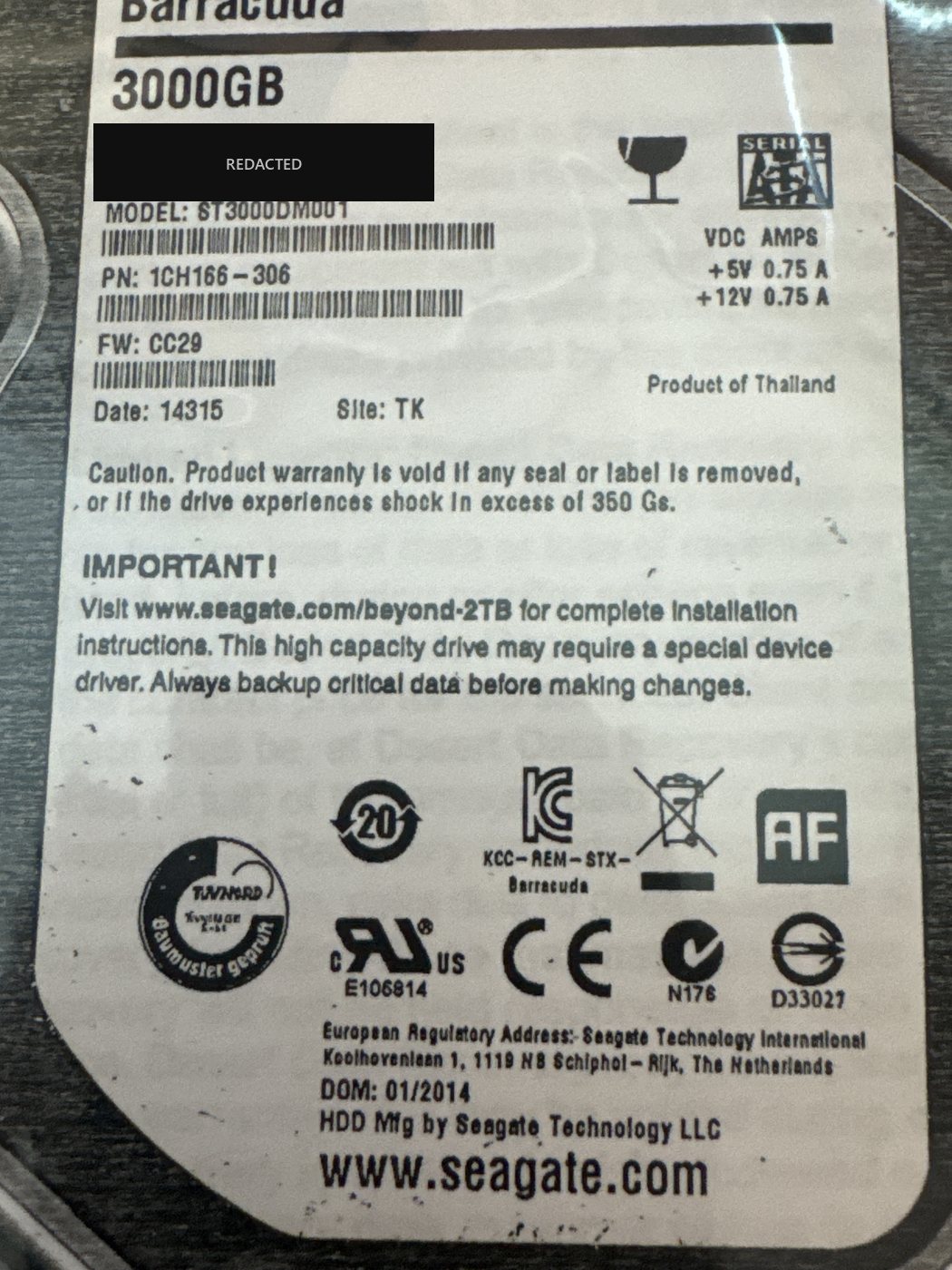
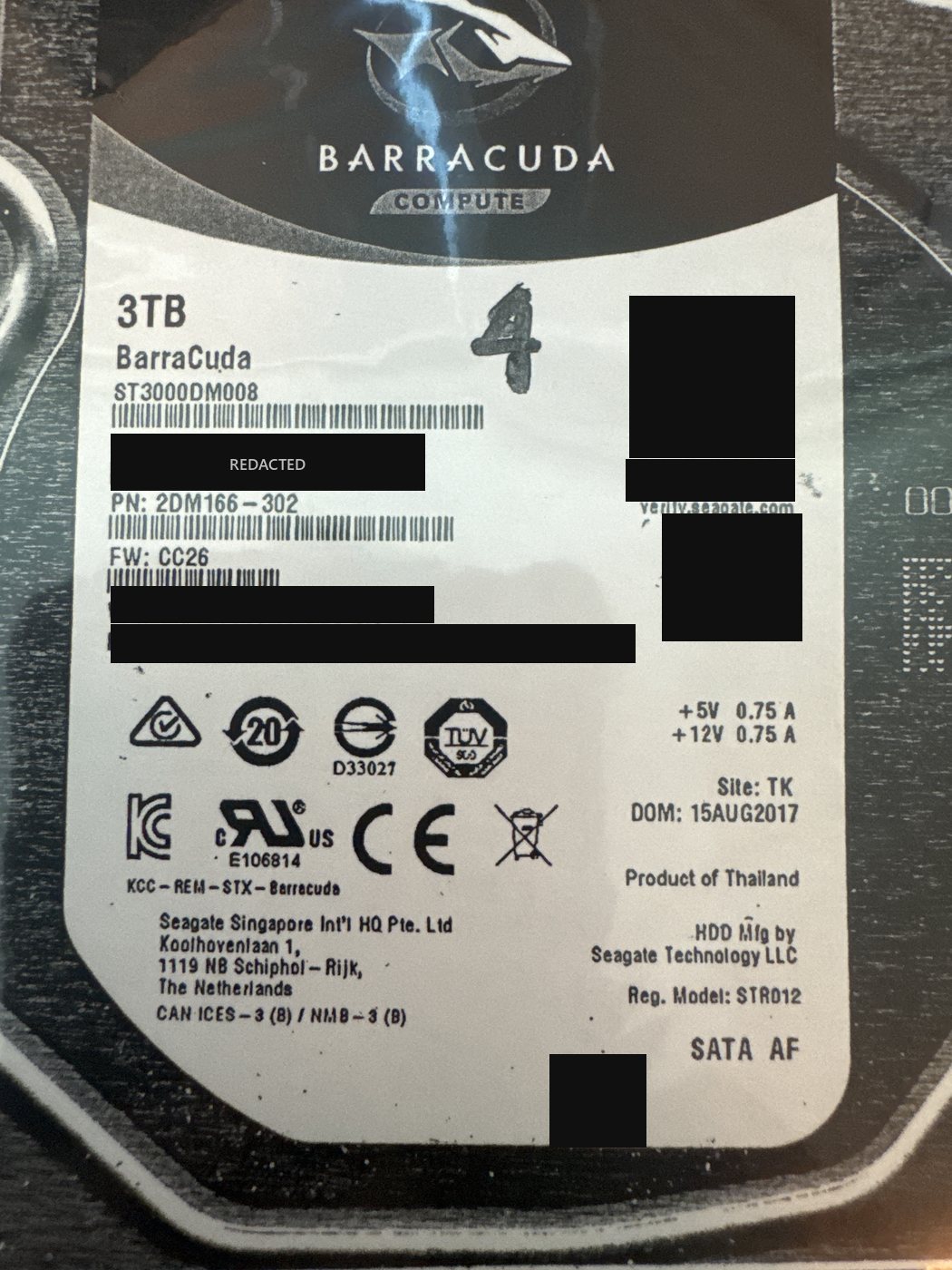
The array was built from Seagate Barracuda 3 TB drives: three ST3000DM001 and one slightly newer ST3000DM008. Two members had failed, and one of them was reporting only a few gigabytes instead of its full 3 TB — a capacity/translator fault rather than a straightforward mechanical failure. We determined the array parameters as RAID 5, left symmetric backwards, with a 64 KB block size and a parity delay of 1, carrying an EXT3/4 file system.
What we did
Nothing was rebuilt in the NAS. Each member drive was imaged individually so the originals were never written to, and the failed members needed drive-level work before they would give up a usable image — including the one misreporting its capacity. With images in hand we reconstructed the array virtually using the determined geometry (left symmetric backwards, 64 KB blocks, parity delay 1), verified the layout was correct, and extracted the EXT3/4 file system from the reconstructed volume rather than from the drives themselves.
Outcome
Full recovery.
Two points worth drawing out of this one. First, three of the four drives were Seagate ST3000DM001s — a model with a well-documented history of high failure rates — so two of them failing in the same array is less bad luck than it looks. When every drive in an array comes from the same model and era, they tend to wear out together, which is exactly how a single-drive-tolerant RAID 5 ends up losing two at once. Second, and more important: the array was never rebuilt. With two members down, hitting "rebuild" writes across the surviving drives and is the most common way a recoverable array becomes an unrecoverable one — we cover that in RAID rebuild vs. data recovery. Imaging every member first and reconstructing the array from the copies is what made a full recovery possible here. More on this scenario in RAID 5 with two drives down.
Dealing with something similar? See our raid data recovery service, browse more cases in the case log, or read about what makes recovery hard.
Have a raid in similar shape? Start with a free evaluation — we'll tell you honestly what's possible with your device.
Request free evaluation →Free evaluation · No data, no fee · Talk directly with a technician.